



Stealth for Apex

Apex
Description
Stealth for Apex Legends is the very aimbot you were looking for.
If you play Apex Legends, you've probably encountered the main problem with all the cheats: the aimbot is either twitchy and pale, or it doesn't exist at all, or it's banned every other day. The Stealth developers have set themselves a specific goal — to create the perfect aimbot that will work smoothly, accurately and, most importantly, safely.
And we did it.
Media
System Requirements
Supported game modes: All
Supported CPU: Intel and AMD with AVX
Supported OC: Windows 10, 11 (x64) 21H1, 21H2, 22H2, 21H2, 22H2, 23H2, 25H2
Bios mode: UEFI
Bios mode: UEFI

All current functionality is below, screenshots and product descriptions above may differ from this list of functions.
CHECKOUT
Select the desired subscription plan
Don't like the commission? No suitable payment methods? Can't launch the cheat? Need a discount?
No problem! Click the button and write to the administrator who will solve any issue.
 Ask a question
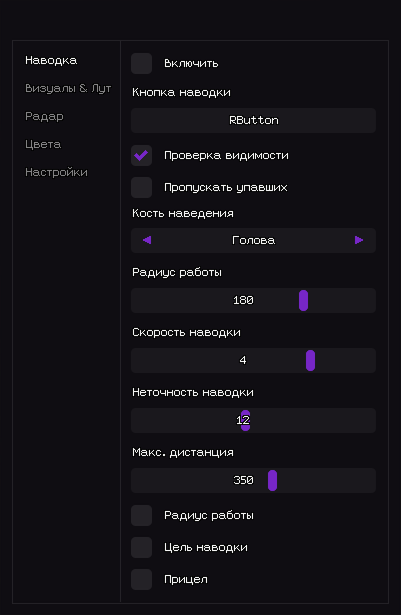
Active – Enable aimbot.
Bind key – Hotkey for aimbot activation (e.g. RButton).
Visible check – Works only on visible targets.
Ignore knocked – Skips knocked / downed players.
Aimbot Bone – Target hitbox selection (Head, Chest, Pelvis).
Working FOV – Target acquisition angle (FOV radius).
Aimbot speed – Aim movement speed (1–10).
Aimbot inaccuracy – Adds artificial spread for legit behavior.
Working distance – Maximum aimbot distance (0-600).
Draw FOV – Draws FOV circle on screen.
Draw target – Highlights current target.
Draw crosshair – Draws static crosshair.
Players
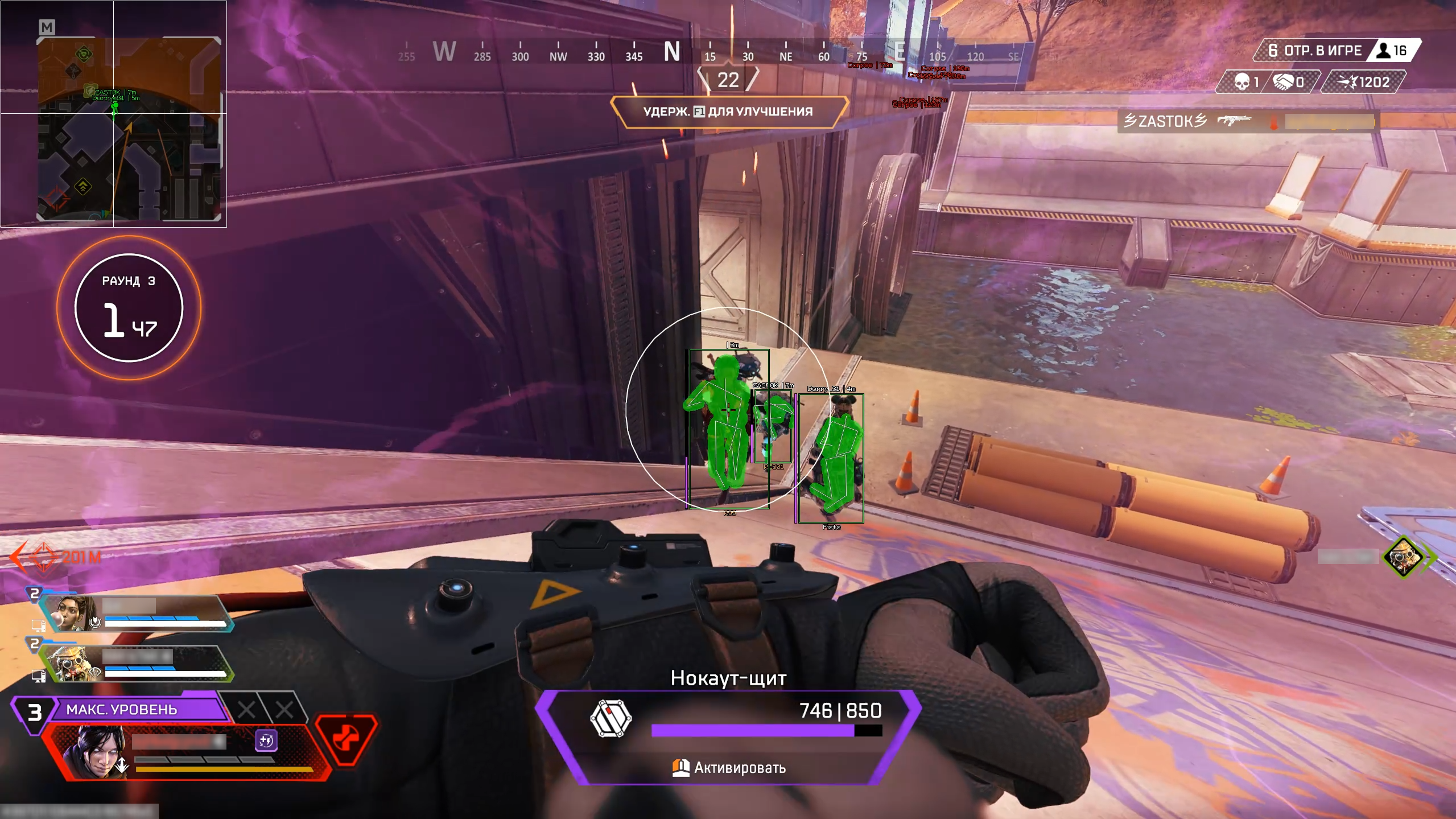
Box – Draws 2D box around player.
Name – Displays player nickname.
Health – Shows HP value / bar.
Weapon – Displays current weapon.
Skeleton – Draws player bone structure.
Hitbox – Displays player hitbox.
Distance – Prints distance to player.
Distance Limit – Maximum ESP render distance (0–1000m).
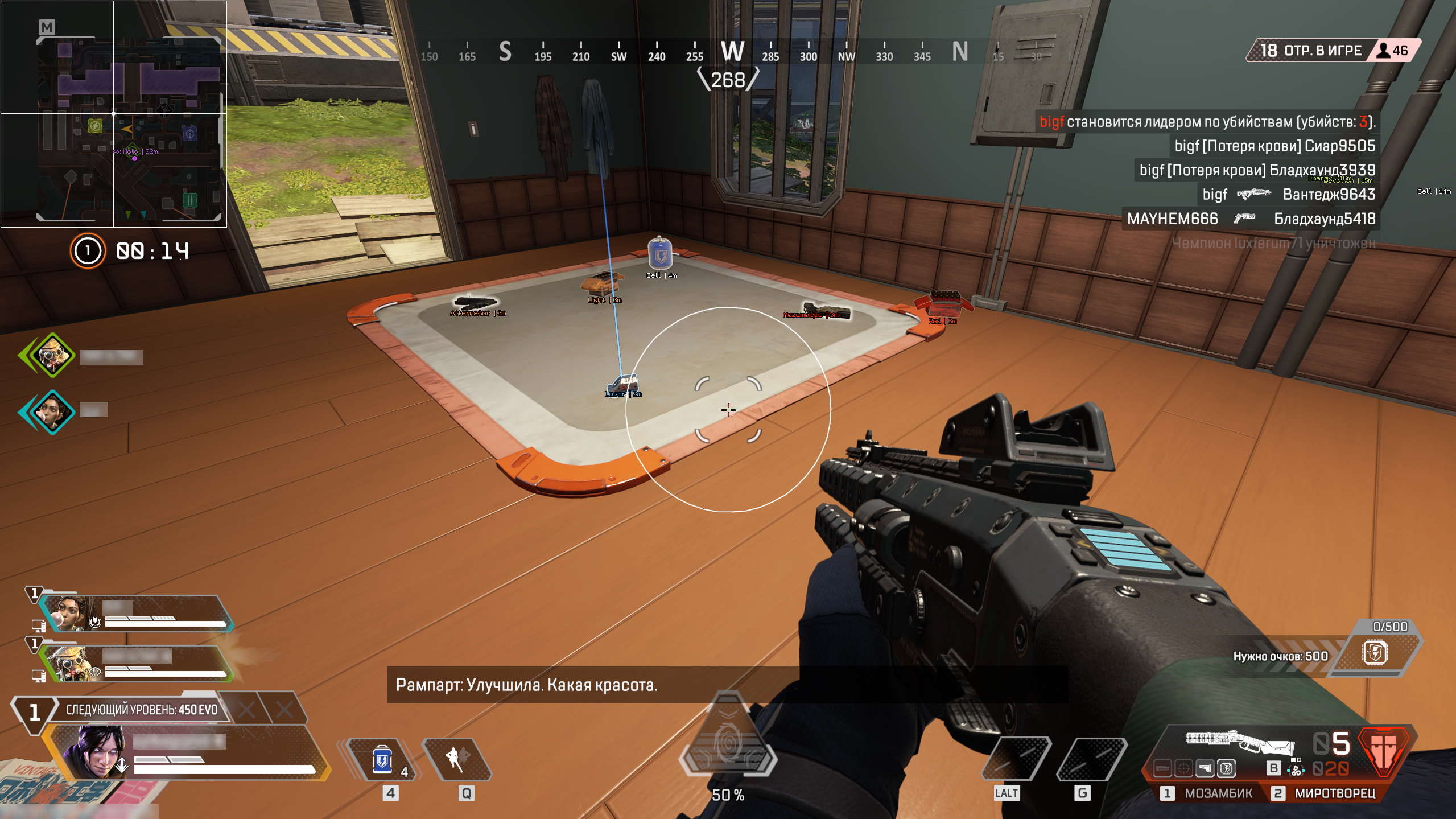
Weapons – Highlights dropped weapons.
Ammo – Shows ammunition.
Heal – Highlights medical items.
Equipment – Displays armor and clothing.
Grenades – Shows explosive items.
Attachment – Highlights weapon attachments.
Minimum LVL – Filters loot by minimum rarity level.
Distance – Shows distance to item.
Distance Limit – Loot ESP render radius (0–1000m).
Corpses
Corpse – Highlights player corpses.
Distance – Shows distance to corpse.
Distance Limit – Corpse ESP radius (0–1000m).
Active – Enable radar.
Show players – Displays players on radar.
Player names – Shows player nicknames.
Player direction – Displays view direction.
Player Distance – Shows distance to player.
Show loot – Displays loot on radar.
Loot name – Shows item name.
Loot distance – Prints distance to loot.
Loot minimum LVL – Filters loot by rarity.
Size – Radar window size (50–200 px).
Draw distance – Radar working radius (50–400m).
Language – Interface language (English / Russian).
Menu key – Hotkey to open menu.
Unload key – Key to fully unload cheat.
Battle mode – Separate combat configuration mode.
Battle mode key – Hotkey to enable battle mode.
Box visible – Color of visible player box (RGB).
Box invisible – Color of hidden player box.
Box knocked – Color of knocked player box.
Skeleton – Player skeleton color.
Corpse – Corpse highlight color.
Aimbot visuals – Color of FOV, crosshair and target marker.
Hitbox alpha – Hitbox transparency level (0–255)
Customer Reviews
Instructions
Stealth
04.03.26
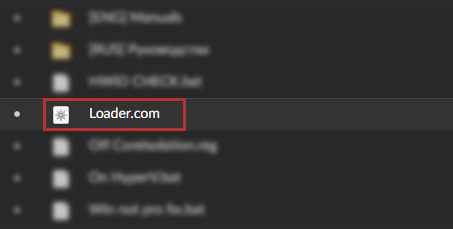
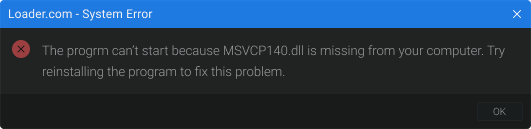 or
or 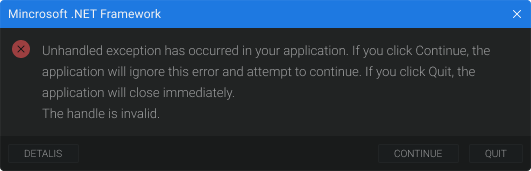 solution can be found